
Migrating from Shopify/WooCommerce to a Custom Solution: Step by Step
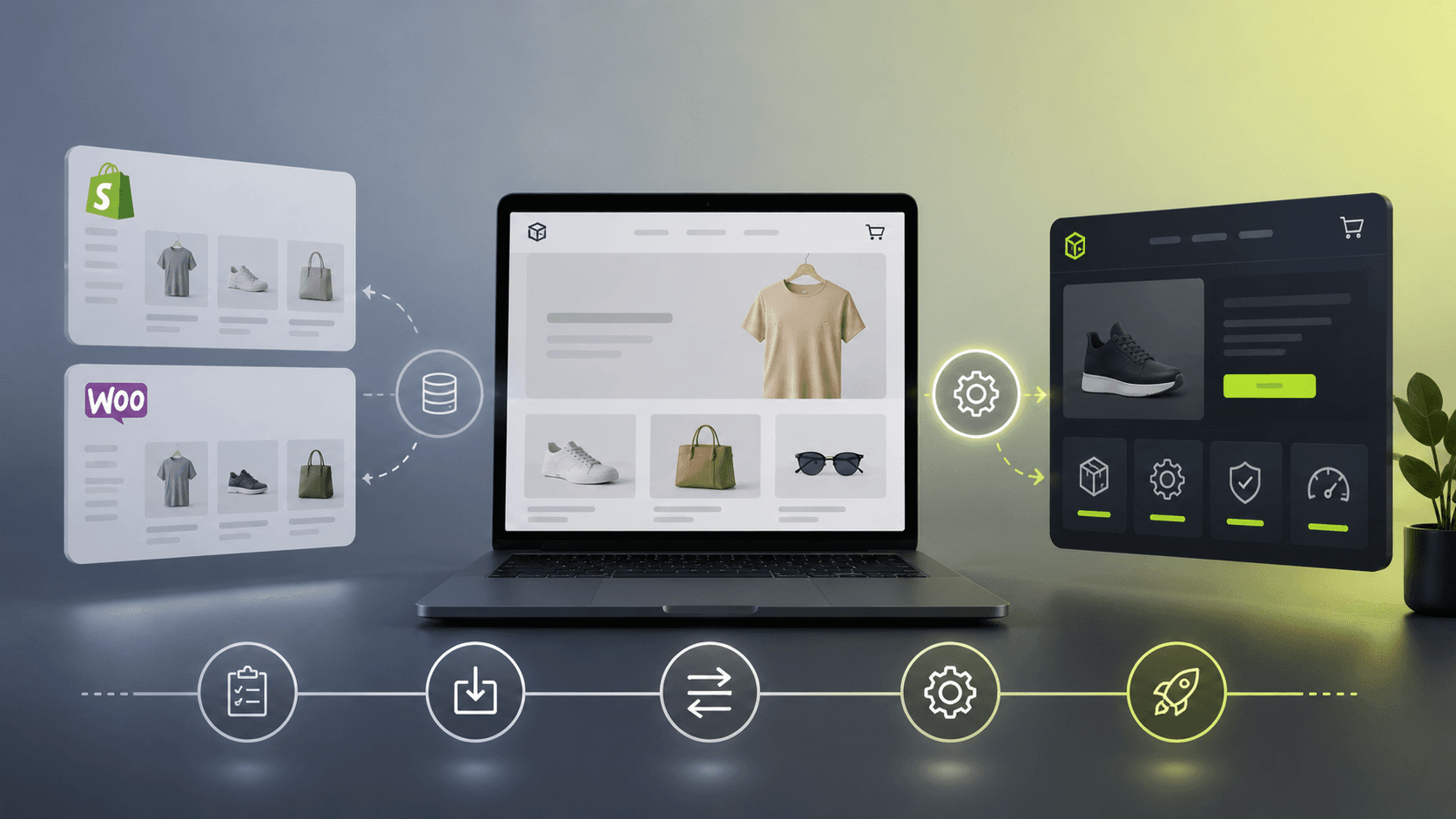
If you're already running an online store on Shopify or WooCommerce, you've probably wondered at some point: "Is there a better way to do this?" Monthly subscription costs grow as your store grows, themes and plugins limit what you can build, and every major change requires workarounds instead of direct development. In this article, we walk through what it actually looks like to move from a ready-made platform to a custom solution — without panic, without losing data, and without any downtime.
Signs it's time to migrate
- Monthly costs are growing faster than revenue. Plans, transaction fees, and paid plugins add up — what looked like €20-30 a month at the start becomes a significant expense a year or two in.
- The site keeps getting slower. Years of accumulated plugins slow down page load times, which directly hurts conversion rates and SEO rankings.
- Theme limitations. A specific checkout flow, a pricing calculator, or a custom booking system either requires an expensive plugin or simply isn't possible without writing code on top of the platform.
- You don't feel like you actually own your store. The platform can change its terms, pricing, or discontinue a feature you rely on, and you have no control over that.
If two or more of these sound familiar, migration likely makes financial sense — we cover the cost math in more detail in our post on one-time investment vs. monthly subscription.
What actually gets migrated
- Products and catalog — names, descriptions, images, variants (size, color), prices, and stock levels.
- Customers and orders — purchase history is carried over so you keep continuity in your analytics and the ability to re-engage past customers.
- SEO and URL structure — usually the biggest fear for store owners, and rightly so. Existing URLs are mapped to new pages with 301 redirects, so the Google ranking you've built over the years stays intact instead of starting from zero.
- Integrations — payment providers, shipping carriers, accounting tools; everything connected to the store is mapped before the old platform is switched off.
How the process works
- Audit of the current setup. We go through the existing store — what's working well, what's slowing the business down, and what the custom build needs to replace.
- Building the new store in parallel. The old store stays live and sales continue while the new one is being built — no downtime period.
- Data transfer and testing. Catalog, customers, and orders are migrated, then the full flow is tested end to end: from browsing products to checkout and order confirmation.
- Domain switch-over. Once everything is verified, the domain is pointed to the new store — this step takes minutes, not days.
Depending on the size of the catalog, the whole process typically takes 3 to 5 weeks.
What you get after migrating
- No more monthly platform subscription — you pay for hosting at its real cost, without a platform markup.
- Faster load times — custom code without the dead weight of unused plugins.
- Full control over code and data — nothing is locked behind someone else's system; if you ever want to change dev teams, the code and data go with you.
- Flexibility to grow — new features are built specifically for your business, rather than bent to fit an existing plugin that does "roughly" what you need.
Is migration right for you?
Migration makes the most sense once a store already has stable traffic and the monthly cost of the platform and plugins has become a noticeable line item in the budget. If you're just launching a store, it's more cost-effective to start directly with a custom build.
If this sounds like your situation, schedule a free call and let's go through your current store together — no obligation, just to see whether migration makes sense for your business.
Ready for the next step?
Let's talk about your project.
Schedule a short call and let's discuss how we can help your business grow.